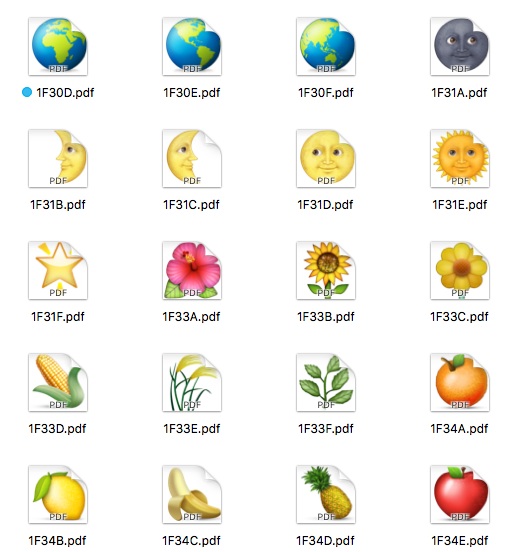
 I found a rather quick way to get emoji in my document. But this is the brute force quick way. The russian way. It always works but is not that elegant. PDF-images.
How to
- Read this blog post „Emoji in LaTeX documents“
- Download the hires emoji-images in this github-repo
- Search the emoji-PDF files you need for your document
- Copy them to the folder where your .tex-document resides
- Define a shortcut/macro to include those emoji-PDF files you need
- Include the following code in your .tex-document
\usepackage{scalerel} % needed package to scale the pdf-images perfectly
\def\emojithumbup{\scalerel*{\includegraphics{emoji_thumbup_1F44D.pdf}}{O}}
\def\emojistar{\scalerel*{\includegraphics{emoji_star_2B50.pdf}}{0}}
In your document
This my five star rating
\emojistar\emojistar\emojistar\emojistar\emojistar
I would say \emojithumbup for this easy integration.
Update 17.09.2019
There is a quite interesting LaTeX Website called texample.net where you can see and learn lots of stuff about how to draw something in LaTeX. See following example:
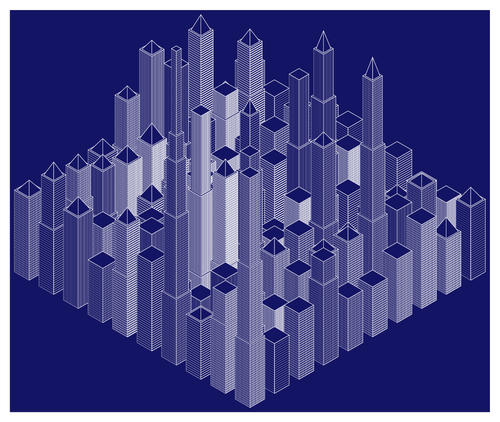
Erreicht wurde das Ergebnis mit zwei Zusatzpaketen für TeX:
TikZ and PGF are TeX packages for creating graphics programmatically. TikZ is build on top of PGF and allows you to create sophisticated graphics in a rather intuitive and easy manner.
TikZ
Was ist TikZ? Nach dem Lesen der ersten Seiten des Manuals bin ich der Ansicht zumindest „T“ steht für Till Tantau den Entwickler. Und bei Wikipedia steht, es stehe für „TikZ ist kein Zeichneprogramm“. Das das eine Rekursion mit Henne-Ei-Problem ist scheint dem Entwickler egal.
With TikZ you get all the advantages of the “TEX-approach to typesetting” for your graphics:
quick creation of simple graphics, precise positioning, the use of macros, often superior typography. You also
inherit all the disadvantages: steep learning curve, no wysiwyg, small changes require a long recompilation
time, and the code does not really “show” how things will look like.
[…]
In practice, TikZ is the only “serious” frontend for pg
PGF
Was ist PGF? Jo, ich hab nach dem Überfliegen des Manuals (pgfmanual_3.0.1a) immer noch keine Ahnung wofür die Abkürzung steht. Typisch MathematikerInformatiker mal wieder.
It turns out that there are actually two layers below TikZ. […] most users will only use TikZ and almost no one will use the system layer directly […]
Why do I blog this? Because when I tried to integrate the coloremoji.sty class in my LaTeX document, I got a series of issues with conflicting textinput encodings not matching the one the coloremoji expects. This way your avoid any new encoding issues by directly integrating PDF-images which is what will happen anyway with that class. maybe you need to include \usepackage[pdftex]{graphicx} too.

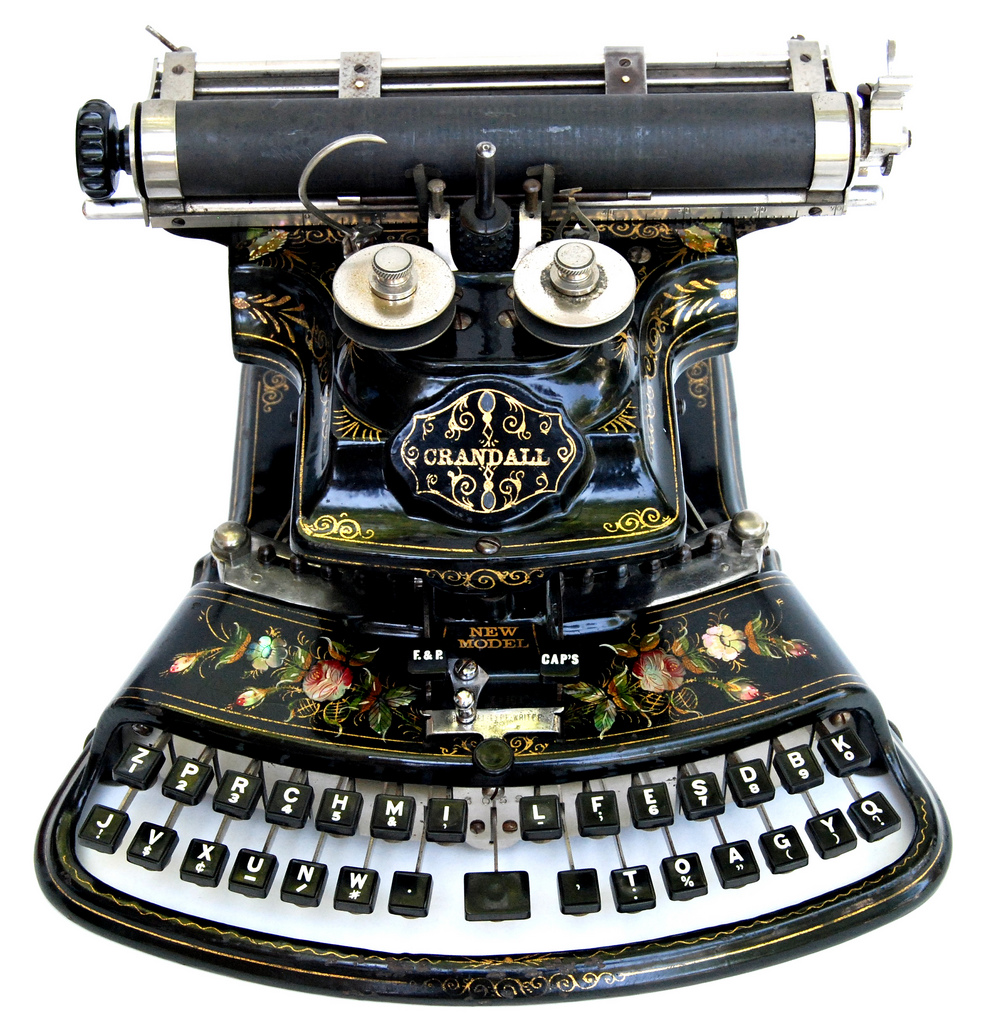
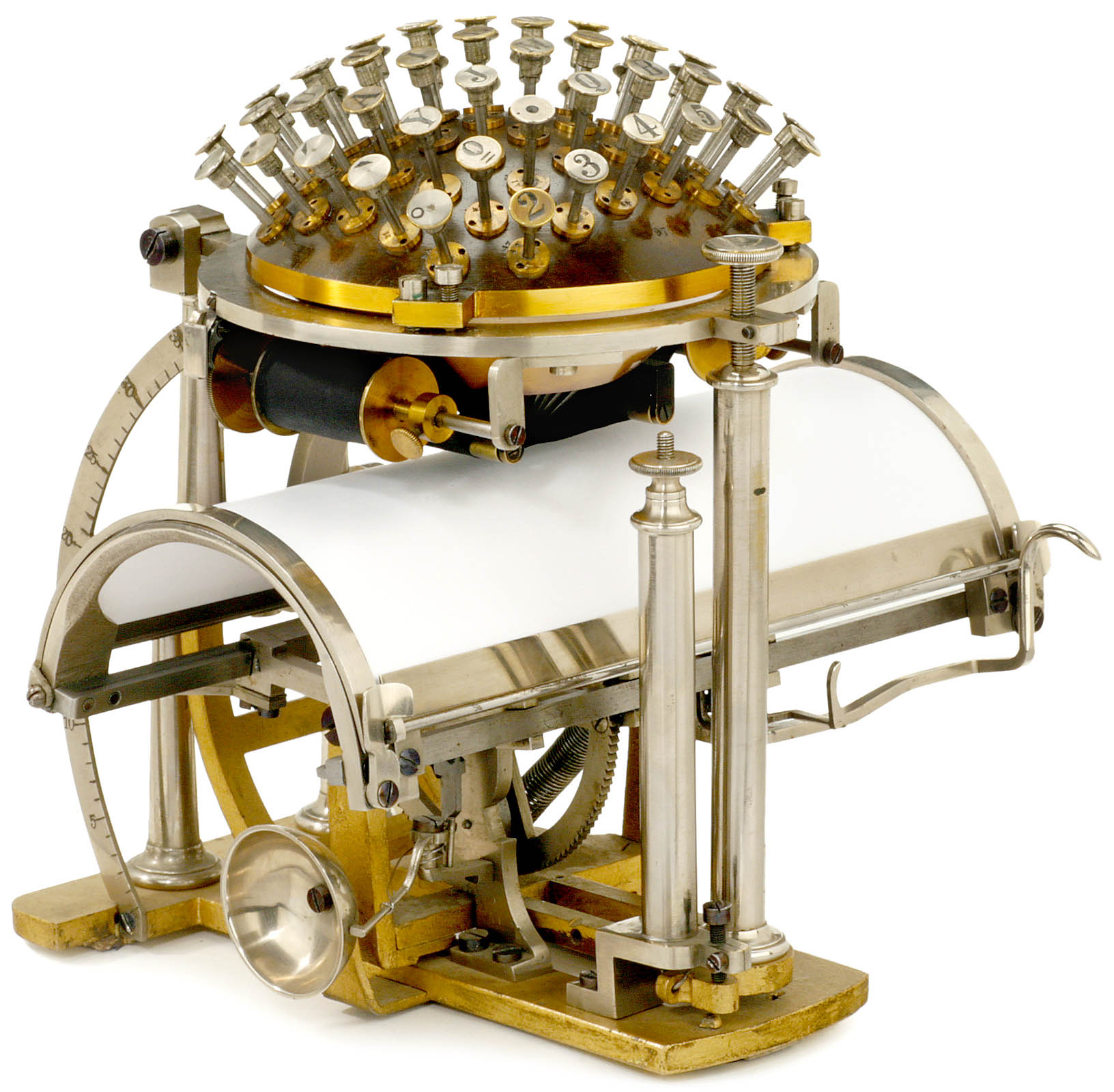
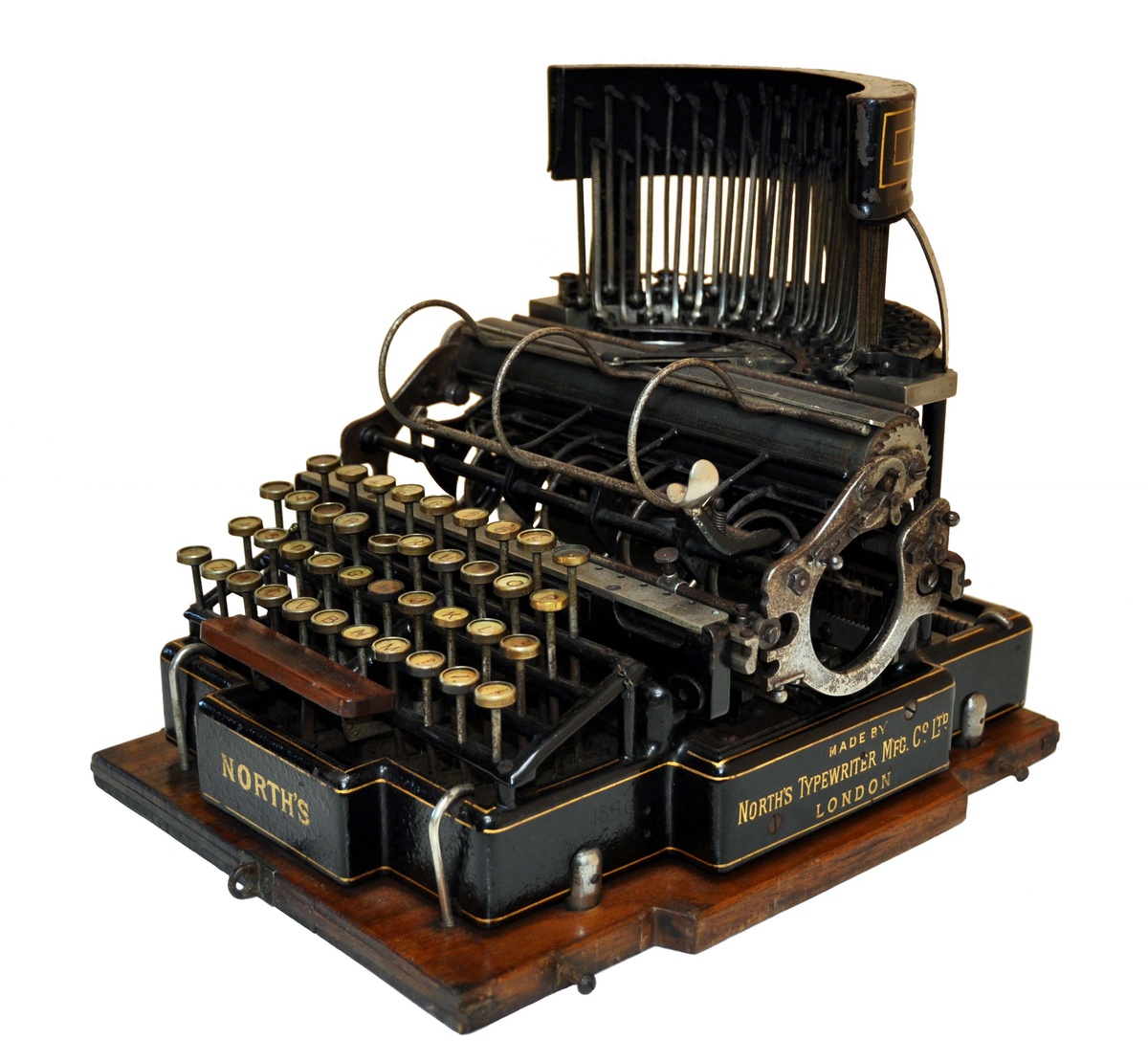
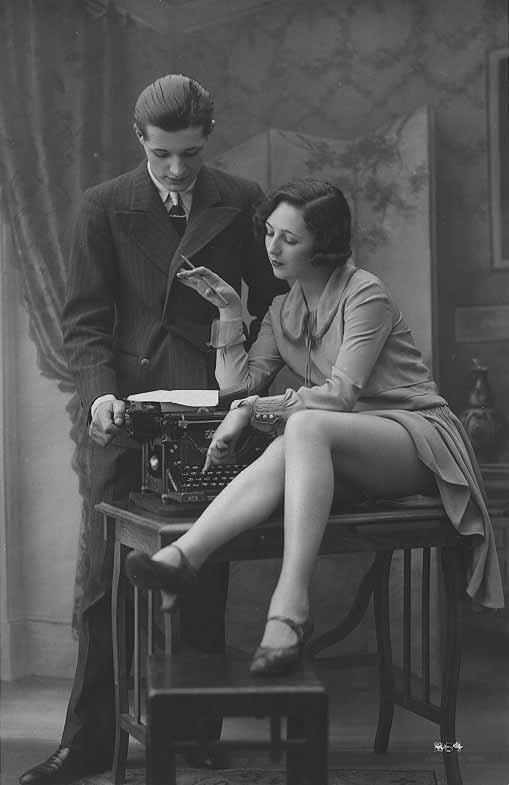 A nice craft of typewriting machines also resonates emotionally with me. It’s sexy. And so it did not surprise me to find the book Sexy Legs and Typewriters – „Women in office-related advertising, humor, glamour and erotica.“ on the webpage there.